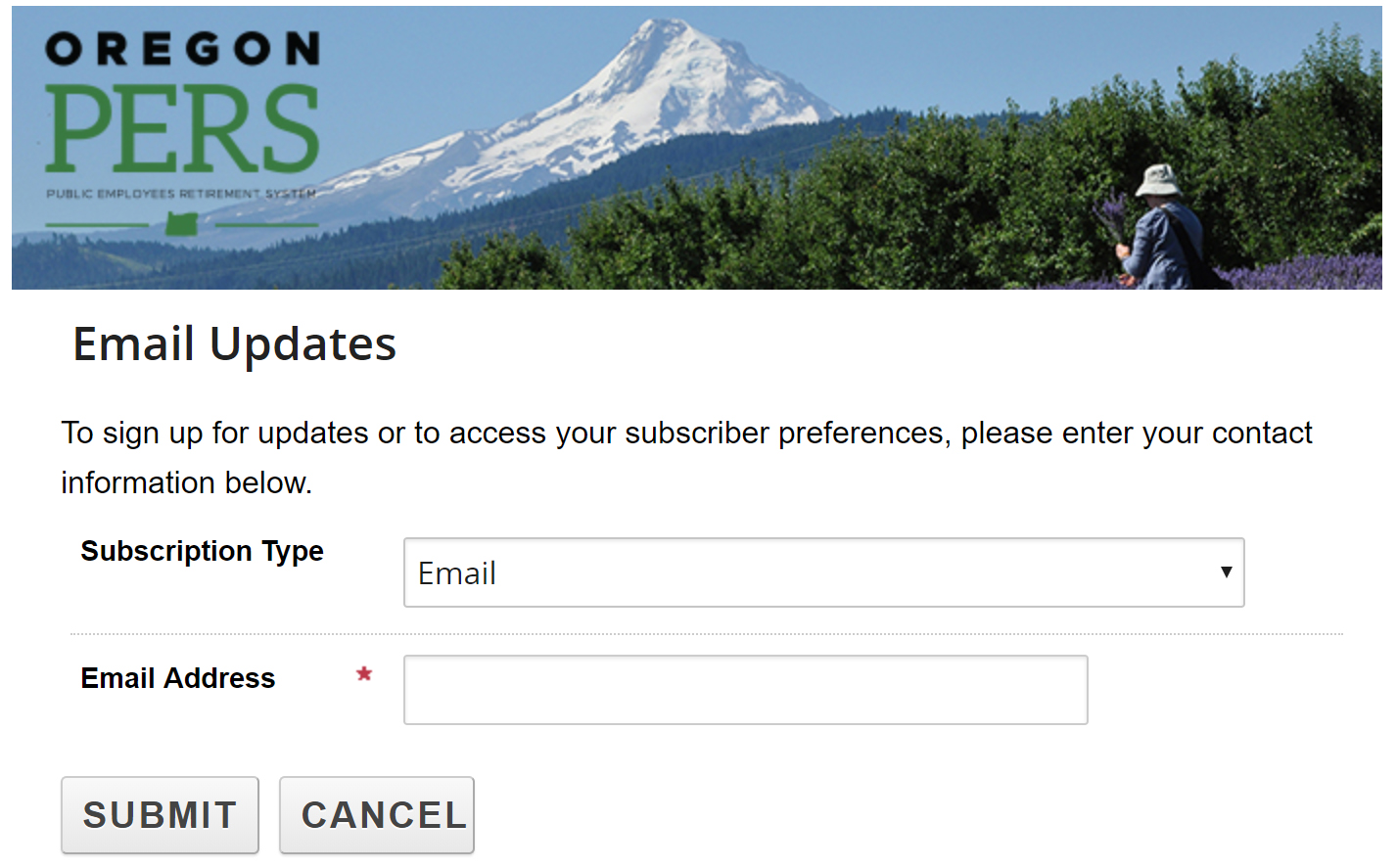
Step one
When you click the link to
sign up, you will be directed to the
following page. You can choose whether you would like email or SMS/text message updates. Enter your email address or
phone number and click Submit.
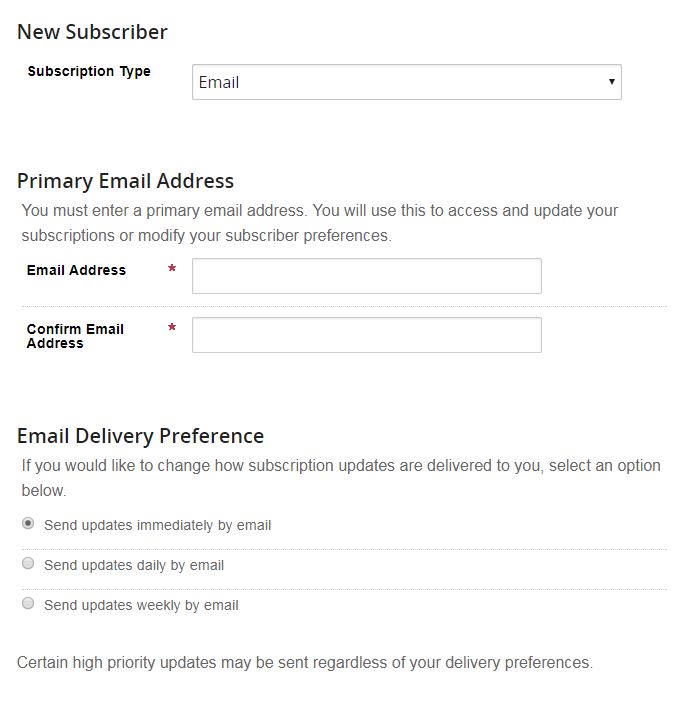
Step two
GovDelivery confirms your subscription information. You can set up how often you’d like to receive emails or text
message updates. You can also set up an optional password.
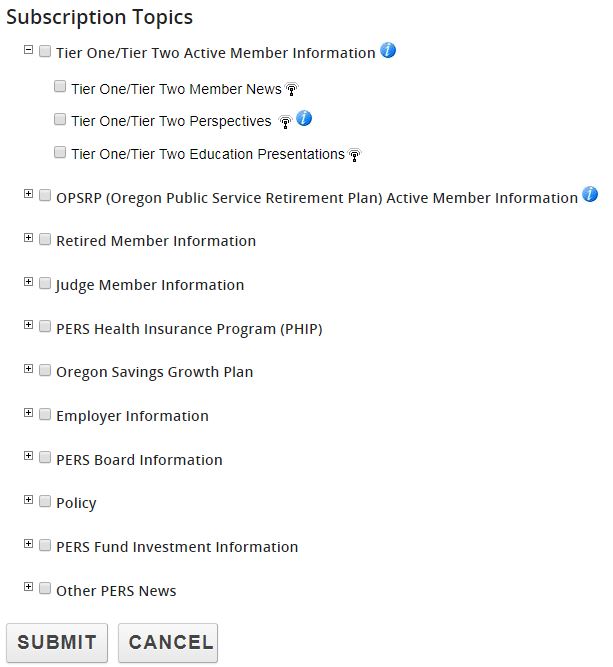
Step three
Choose the topics you’d like updates on. Click the + symbol to expand a topic category.
The blue
 icon offers a description of the category or topic.
When you click Submit, you will receive a confirmation email (or text message) with the updates you have signed up
for.
You are now signed up for GovDelivery.
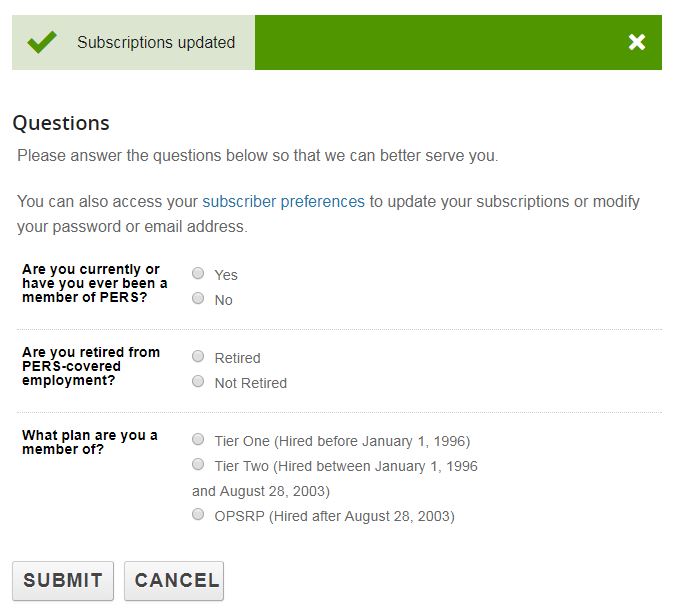
Step four (Optional)
You can answer optional questions about your PERS membership.