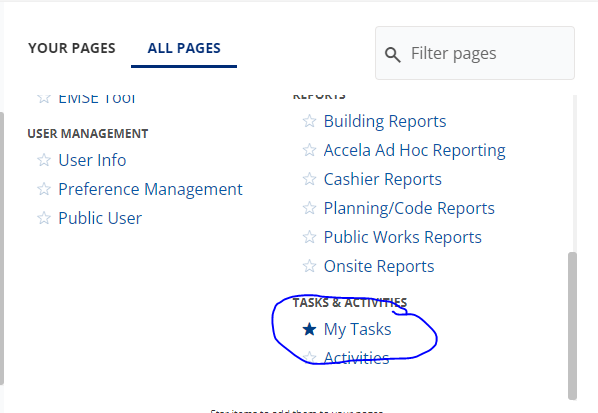
Open the My Tasks page. You may want to pin this page to save time later:
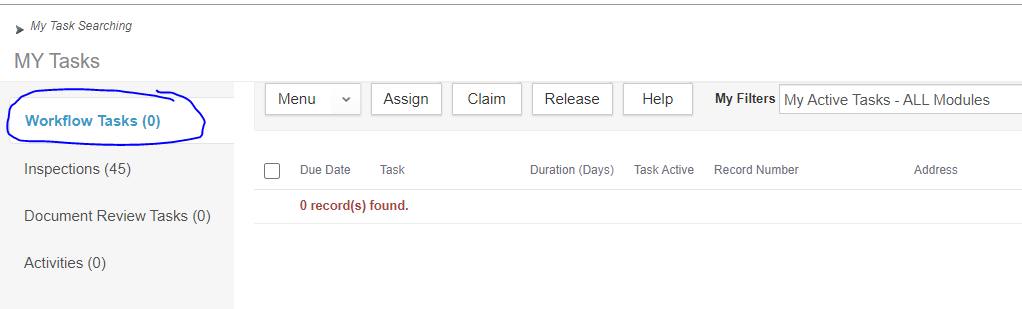
Select the My Tasks page you want to set the primary filter for:
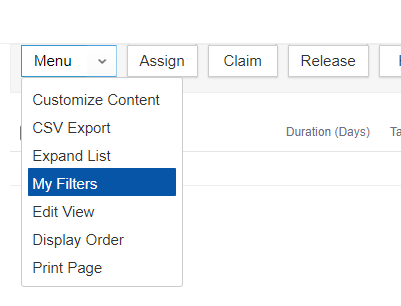
Select My Filters from the Menu dropdown:
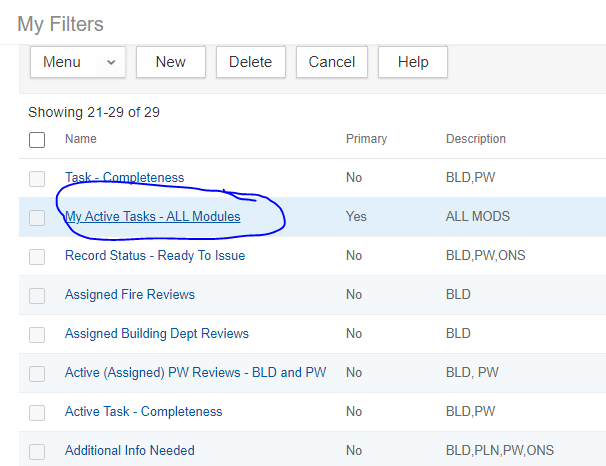
Select the filter you want to make primary by clicking on it:
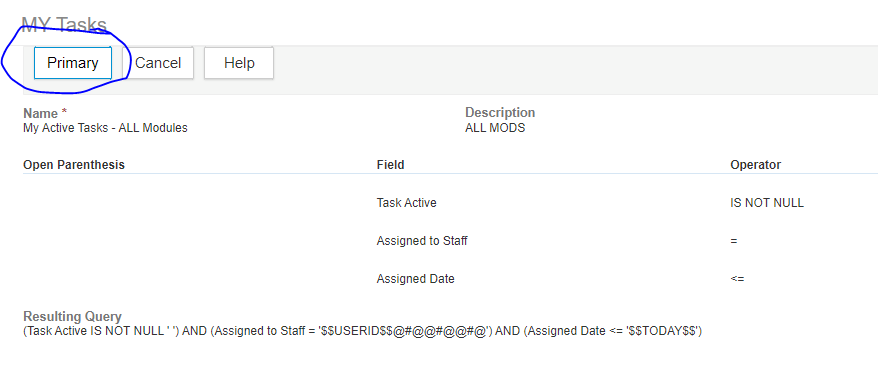
Click on the primary button for the selected filter:
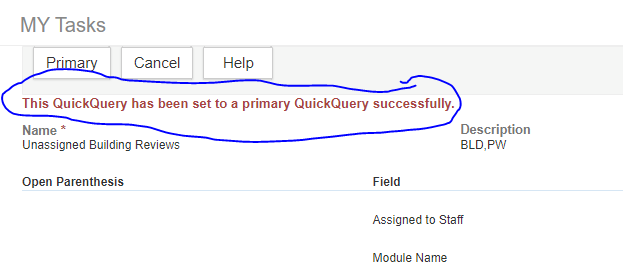
You should get a message that the filter(QuickQuery) has been set to Primary:
You can then hit Cancel twice to return to the main My Tasks page and your Primary filter should be set.
Be careful not to set more than one primary filter per page or you may not get the results you want.