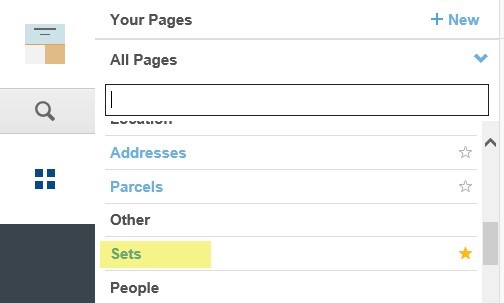
Click on the four square launch pad, click on the Sets:
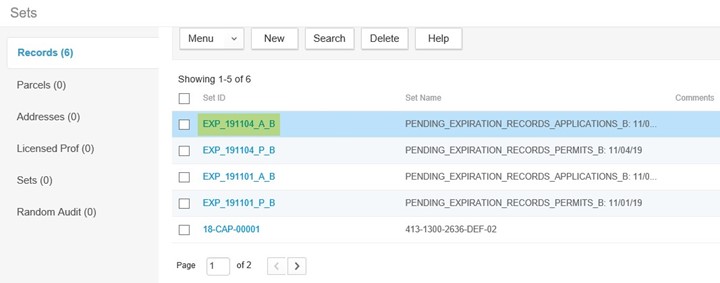
A batch process is run on a schedule selected by the agency that will generate the appropriate Sets if there are any applications or permits about to expire.
On the Sets page, on the Records tab, open the set by clicking on the hyperlink of the Set ID name.
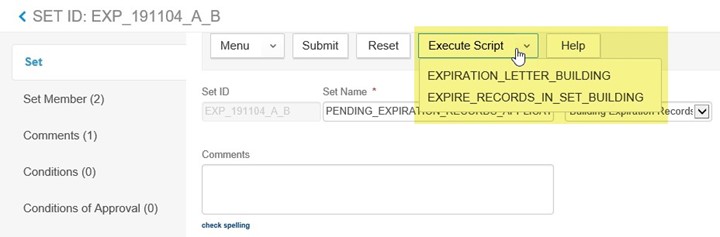
Below, hover over Execute Script.
Click EXPIRATION_LETTER_[MODULE].
Then the script will run and the letters will be sent. You will know the script has completed when a popup window displays with the script output.