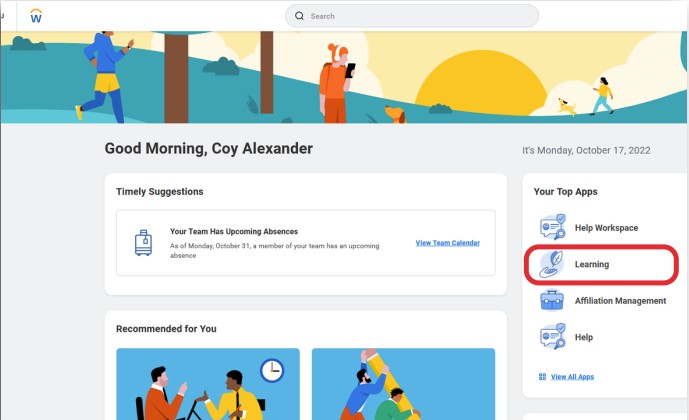
From the home page in Workday, select the Learning button.
Your home page will look slightly different but the Learn button will look the same.
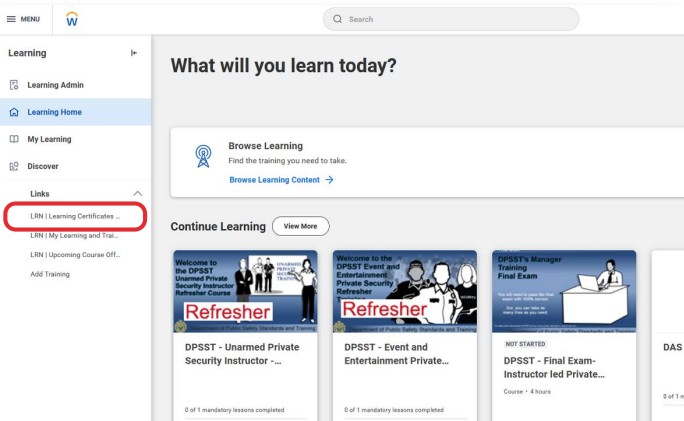
On the Learning page in Workday, select the LRN | Learning Certificates.... button.
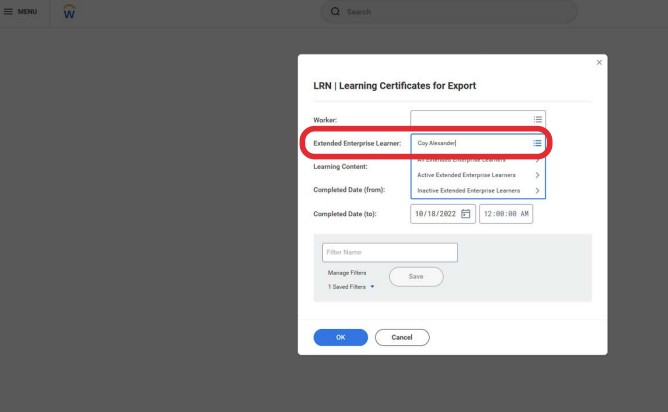
On the LRN | Learning Certificates... page in Workday, type your name in the Extended Enterprise Learner field and then select the OK button.
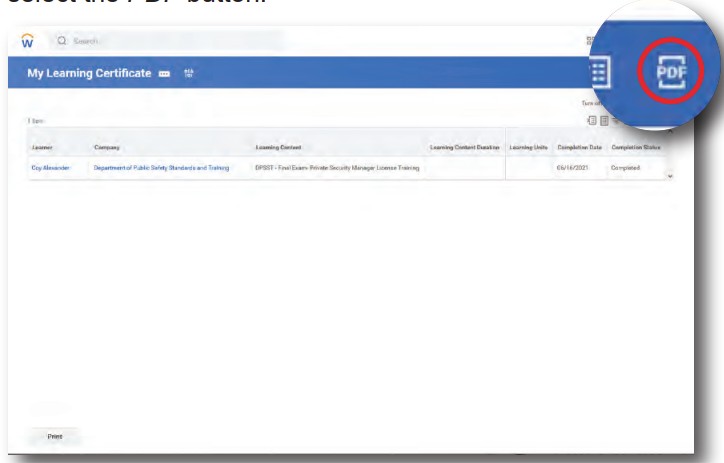
When the course name appears on the My Learning Certificate page in Workday, select the PDF button.
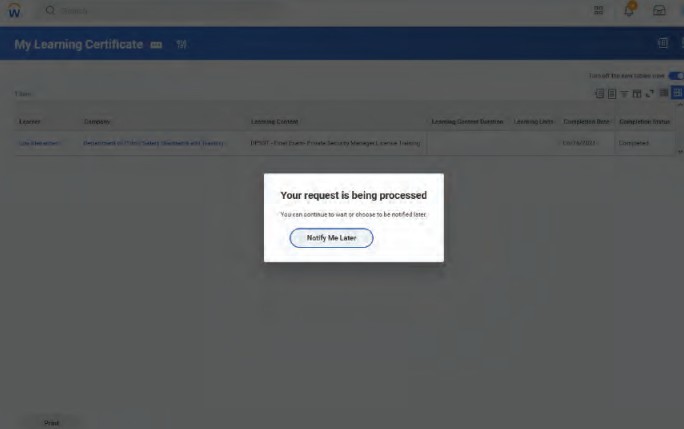
You will see a message telling you that the system is generating a PDF. The system will send you an e-mail notice when the certificate is done. You can wait for the document or you can return after you receive the confirmation e-mail your certificate is ready.
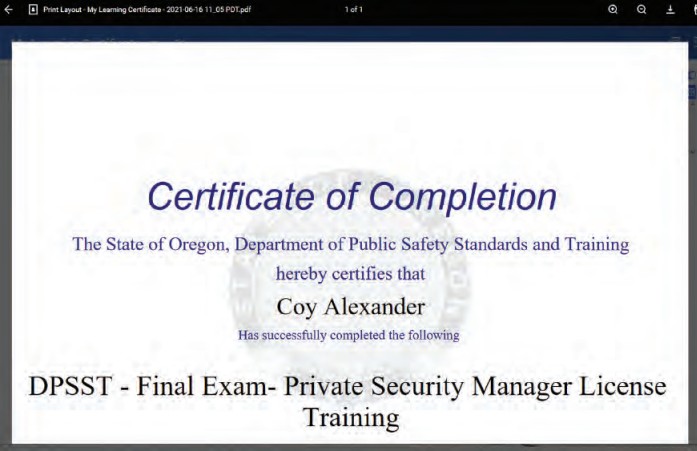
You can now save and print your certificate.